
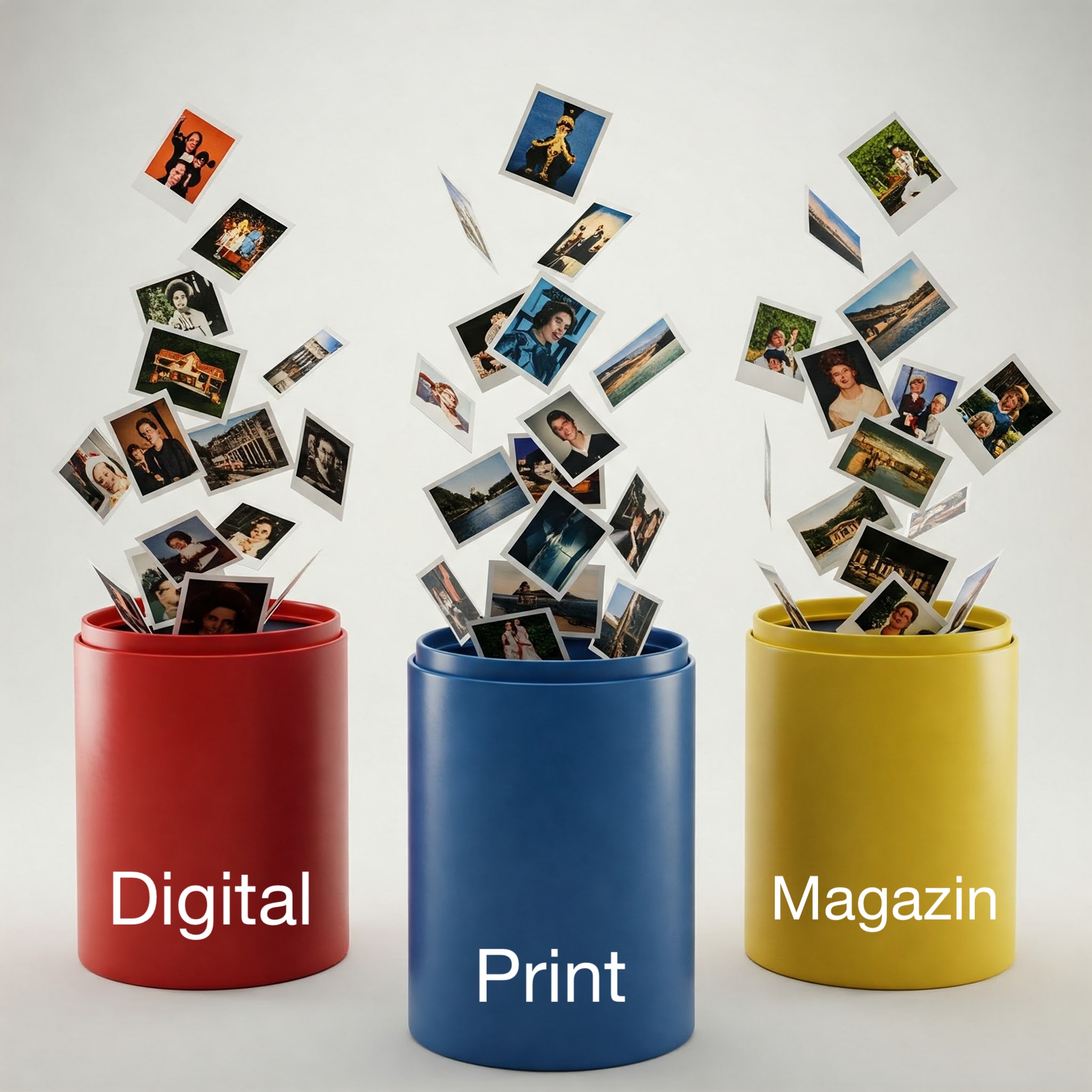
You know the situation: images are quickly downloaded from the internet and dragged into the CMS. Months later, someone asks where the image came from, and it becomes costly. Or someone searches for it, but there are several systems in which it could be: the digital CMS, the print CMS, a file share for InDesign or, if it exists, the digital asset management system.
As editor-in-chief or managing editor, you know that all of this should be centralized in the DAM and the rights on the picture checked before importing it.
Should.
But unfortunately the editors don’t follow it.
Is another hard “rule” in the publishing house the solution? Probably not, since it hasn’t worked for decades. People are lazy. If it’s easier to drag an image directly into the CMS instead of first uploading it to the DAM, searching there again, and then dragging it into the CMS, then they will do the first thing.
Is an “integrated” CMS that does everything – including DAM – the solution? By doing so, they would create a monolithic system with many compromises and drastically increase their dependence on the CMS manufacturer. This is primarily in the interest of the manufacturer, but not in your interest.
COMYAN has been developing a powerful digital asset management system for publishers for 25 years. Together with leading news publishers, we have developed a new solution to this problem:
The COMYAN Widget.
It integrates the upload directly into the other manufacturer’s CMS system, or, in the case of modern browser-based CMS, even directly into the browser, as a plug-in in the sidebar. In the same window, the editor loads the image into the DAM and then drags it into the CMS.

It couldn’t be simpler.
Because simplicity wins.
If you would like to find out how you can use this widget profitably for your editorial work, then watch the video, contact us today and let us show you how it works – and try it out for yourself: